Processing settings
Open Settings > Processing to decide when Asset Grove performs heavy local work.
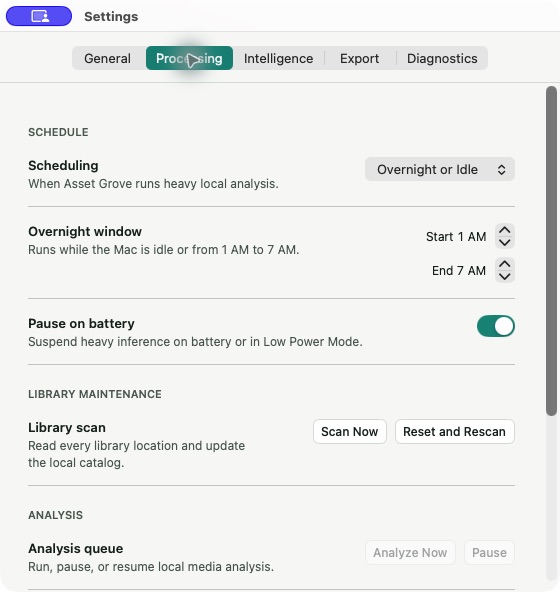
Scheduling modes
- Always analyzes whenever work is available.
- Overnight or Idle analyzes while the Mac is idle or during the selected overnight window. This is the default.
- Manual runs only when you select Analyze or Analyze Now.
Enable Pause on battery to suspend heavy processing while the Mac uses battery power or Low Power Mode.
Choosing a mode
Use Always for a Mac that stays on power and needs the catalog ready quickly. Use Overnight or Idle for a balanced everyday workflow. Use Manual for travel, live production, or any period when predictable performance matters more than completing the queue.
Changing the schedule does not discard queued work. It changes when that work is allowed to continue.