General settings
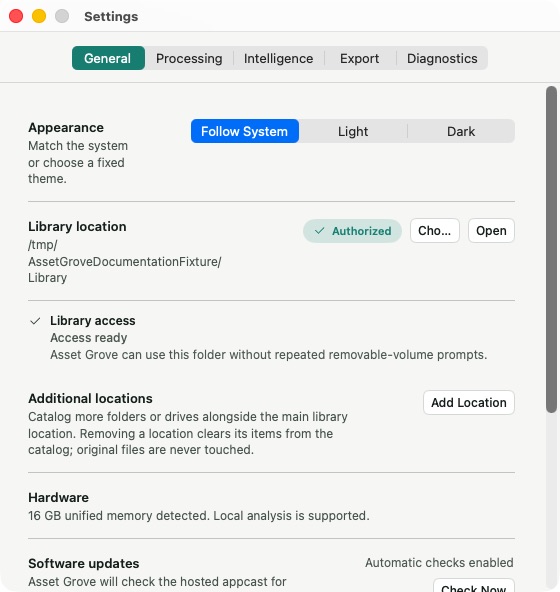
Open Asset Grove > Settings > General to manage the parts of Asset Grove that connect the app to your account and media locations.
Access
- Refresh account access.
- Open subscription management.
- Update the payment method through the provider's secure page.
- Sign out.
Library
- Review the primary library location.
- Add or remove additional locations.
- Reauthorize a folder or drive when macOS access has expired.
- Start a normal scan or a reset-and-rescan when recovery is necessary.
Software updates
Check for a signed Asset Grove update without waiting for the next automatic check.
Removing a library location from settings removes its derived catalog data, not its originals. Read the confirmation carefully before applying location changes.